
VINELink in Conejos County
Colorado VINE and VINELink track one person's custody status wherever the holding agency feeds data. Pick Colorado from the site's state list. Whether Conejos County Jail participates, and how much data it supplies, shows only in the live service. It is not the booking record. For a fresh arrest, call the Conejos County Jail at 719-376-6778. That call is the direct check. Use VINE second, for status and alerts. A match can slip past you. Someone may be released, moved, or listed under different details before the record arrives.
Check Conejos Custody on VINELink
Start at the official Colorado VINE page. Skip copied directories. Bring the person's exact name plus another non-sensitive identifier, since similar names crowd the results and one misspelled letter can bury the right match.
- Open VINELink and choose Colorado.
- Select the person or offender search offered by the current interface.
- Enter the full name or identifying record number available to you.
- Compare matches carefully without assuming the first result is correct.
- Open the matching record and note the facility, status, identifier, and update information shown.
- Call the listed facility or the Conejos jail to confirm a time-sensitive result.
The Colorado VINELink search screen can change because the site runs on JavaScript. Its official Colorado entry screen marks the correct start.
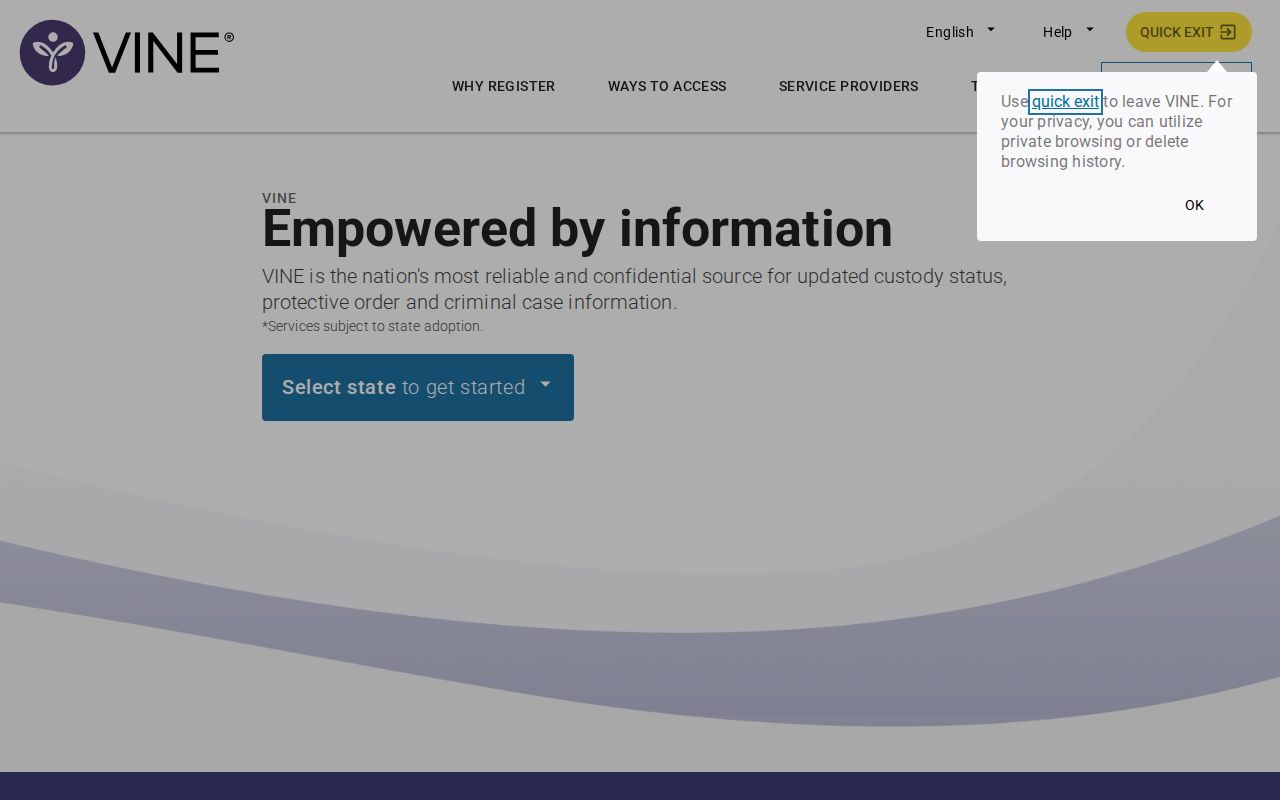
Treat the interface as a search and alert tool.
Conejos VINELink Result Details
The feed drives what appears. Results depend on the facility's participation, and each value is a custody clue worth confirming with the jail, since no fixed Conejos-specific result format exists.
| Possible detail | Meaning and limit |
|---|---|
| Custody status | The status supplied to VINE, which may lag a new event. |
| Facility | The reporting location, not necessarily the arresting agency. |
| Record or offender ID | A useful match key. |
| Release or transfer | A custody change that should be confirmed when safety or travel depends on it. |
| Update time | When displayed, it indicates data timing rather than continuous live tracking. |
Booking means the processing steps after an arrest. Transfer means a move to another facility or custody system. A detainer is another agency's request about custody.
Register for Conejos Custody Alerts
Registration starts from a matching person record when the live Colorado service allows it. Older instructions asked for a phone number or email plus a four-digit PIN, with phone, email, and text as possible channels. Follow today's fields, not an old PDF.
- Confirm the person and reporting facility before registering.
- Select the registration or notification option on the matching result.
- Choose an offered phone, text, or email channel.
- Create and retain the PIN if the current service asks for one.
- Complete any confirmation step shown.
- Keep the jail number available for direct verification.
The VINELink registration interface may require scripts to load.
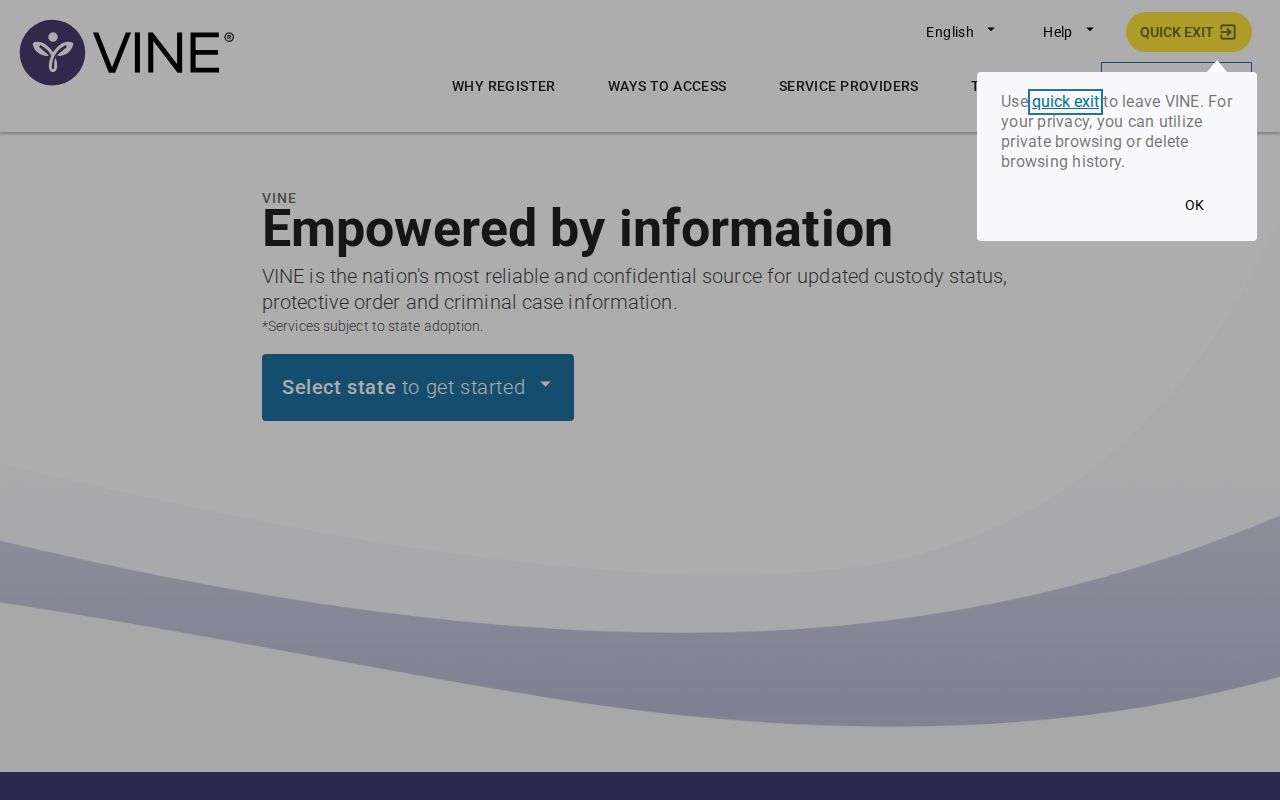
The official VINELink sign-up screen lets Conejos County residents pick how they receive custody alerts.
Confirm Conejos VINELink Results
For current Conejos County custody, call the jail first. The sheriff's general line, 719-376-2196, can route a booking-record question. The county publishes no public arrest roster. No same-day feed or sheriff inmate app exists either. The Daily Arrest Report page lays out the county's phone and records paths instead of inventing a live list. VINE does not replace the Colorado Department of Corrections search for sentenced state custody. The Federal Bureau of Prisons locator is separate too. So are immigration detainee lookups. Each system covers one custody setting. Start with the agency most likely to hold the person, then check the adjacent system after a confirmed transfer.
Conejos Alerts Serve Different Needs
Conejos County emergency notifications cover weather and broad public safety, while sheriff social posts announce selected incidents. Neither works as a booking or release alert. VINE handles person-specific notice. A participating record is required, though. A social post can break fast on a major incident yet say nothing about a later release. Area-wide emergency alerts may never name an arrested person. For custody, use VINE and the facility; for the case outcome, use the court.
After Conejos County Custody
Booking ends in court. The Colorado Judicial Branch docket search follows the case; choose the 12th Judicial District and Conejos County. Filter by party name. Results list dated events. A docket is not the full case file. Ask Conejos Combined Court for a complaint, an order, or a certified copy. Meanwhile, a person can leave jail while the case runs, or move into sentenced state custody. A dismissal can land long after the arrest alert circulated. The official court docket page supplies the follow-up search.
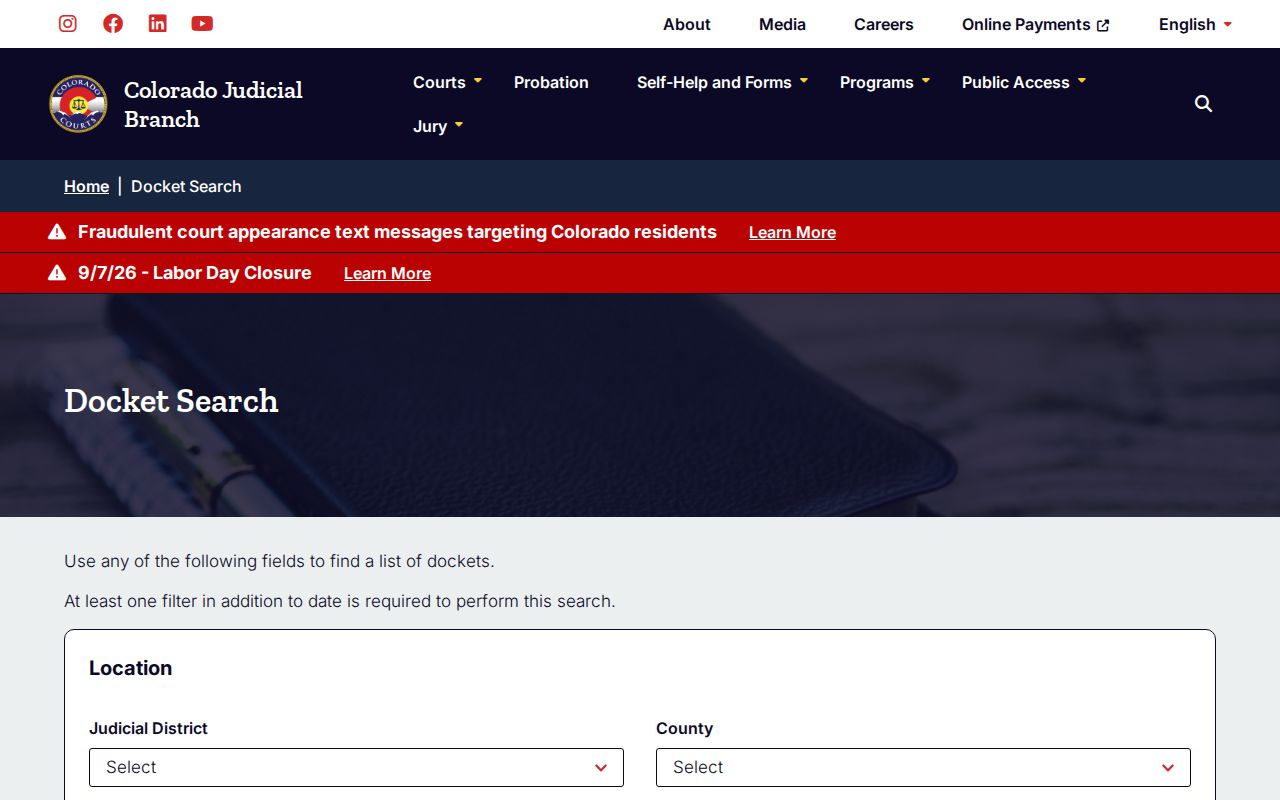
This screen shows the court channel that follows custody.
Conejos Arrests and Due Process
An arrest record tracks custody, not a case outcome. Charges can change after booking. A court may dismiss a count, accept a plea to another, or enter something else entirely. So verify the current source and keep its date.
If a detail looks wrong, contact the agency that supplied it. Booking questions start with the Conejos County Sheriff's Office. Court entries belong to Conejos Combined Court, and VINELink cannot fix a government record by itself.
Conejos VINE Data Timing
VINE only knows what a facility reports. Conejos County's participation and its exact event set can change, so check the Colorado selector at the moment of need. A fresh booking may not appear in VINE yet. A release can happen before any alert lands. The jail phone remains the direct source when you need confirmation right now.
Registration steps have shifted across service versions. Older Colorado instructions described phone or email sign-up with a four-digit PIN, while today's web application may present different choices. Trust the live record screen, guard the PIN, and enter contact details carefully. A record with no registration button does not mean some other generic VINE page will deliver notices.
These limits explain why county emergency alerts and sheriff social posts cannot fill the gap. Emergency notices cover broad hazards. Social media covers chosen incidents. Neither follows one person through booking, release, or transfer. VINE exists for that job, but only the reporting facility can confirm an event and correct its data.